
Working: Mon - Sat: 9.00am - 6.00pm

PHP Project

PHP Based Web Application Project

Develop a dynamic and interactive web application using PHP, MySQL, and Bootstrap. This project focuses on practical implementation for small to medium-sized business solutions.

Conducted under Texaaware Software Solutions, the project includes user authentication, CRUD operations, database connectivity, form validation, and responsive UI.

Objectives: Build a fully functional web application with PHP and MySQL.
Problem Statement: Many small businesses lack a simple yet robust web-based management system.
Significance: This project demonstrates practical web development skills and real-world application building.
Technologies Used: PHP, MySQL, HTML, CSS, JavaScript, Bootstrap.

Project Methodology
Requirement Analysis and Design
Database Design with MySQL
Backend Development using PHP
Frontend Development using HTML, CSS & Bootstrap
Testing and Deployment
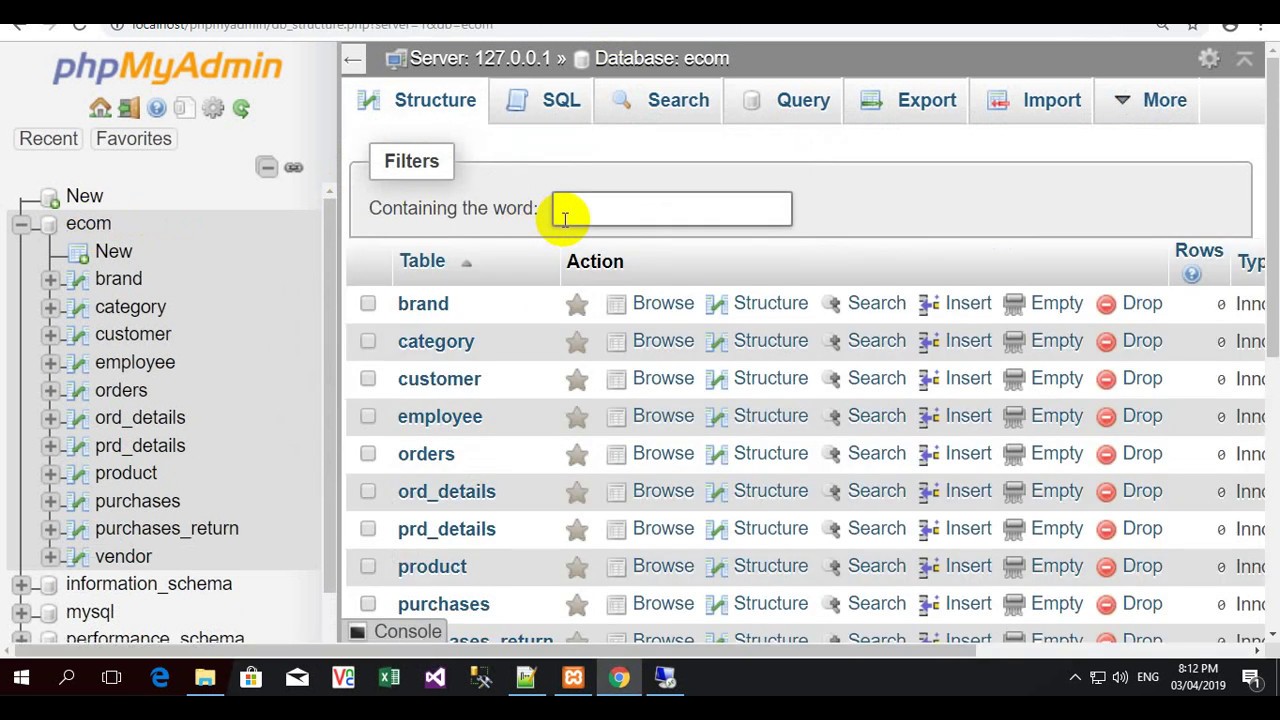
PHP Database Design
PHP Application UI

Key Highlights

Dynamic Web Pages
User Authentication & CRUD Operations
Database Connectivity using MySQL
Responsive Design with Bootstrap
Real-time Form Validation

Project Results

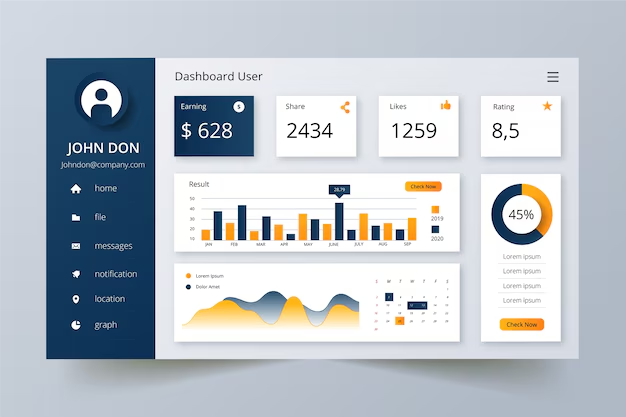
User Dashboard
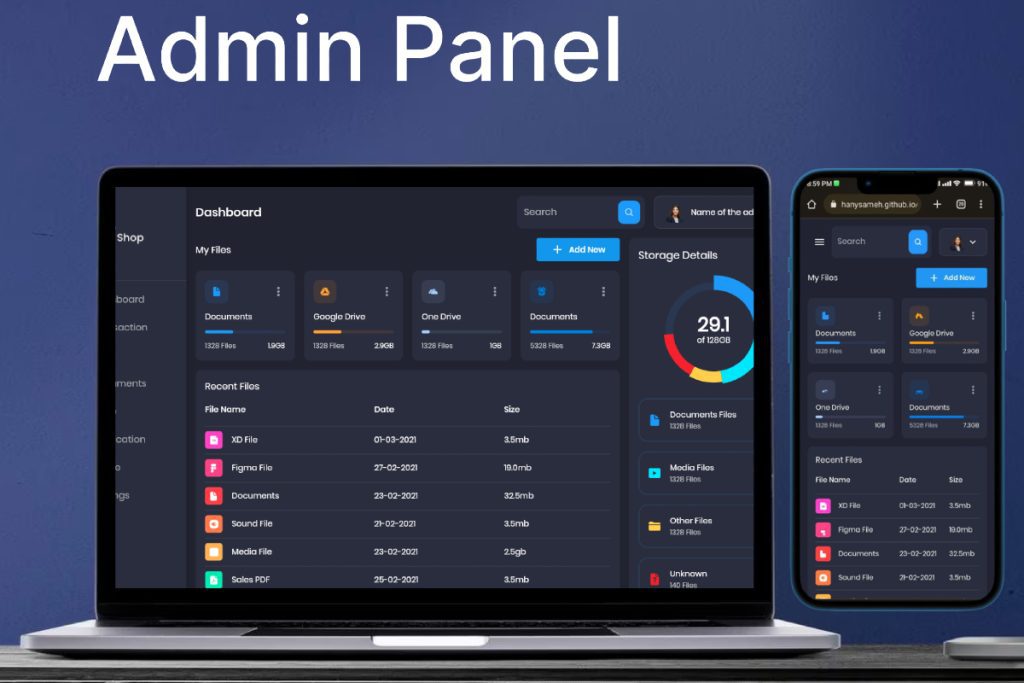
Admin Panel

Learning Outcomes

  • Practical PHP web development skills
  • MySQL database integration
  • Bootstrap responsive UI development
  • Real-world web application creation
  • Application deployment and testing
Expert Insights
  • Build dynamic web pages with PHP
  • Understand server-side scripting
  • Gain MySQL database handling skills
  • Implement responsive UI using Bootstrap
Industry Use Cases
  • Small business management systems
  • E-commerce portals
  • School & college management systems
  • Membership-based websites
Tools & Technologies
  • PHP, MySQL
  • XAMPP/WAMP Server
  • HTML, CSS, Bootstrap
  • Apache Server
Challenges & Solutions
  • Database connection errors – resolved by proper config
  • Form validation issues – implemented server-side validation
  • Session management – handled with PHP sessions
  • Cross-browser UI issues – fixed with Bootstrap classes